◎
Contacts
The people in your orbit — and who your agent may message.
rethinking who owns your ai
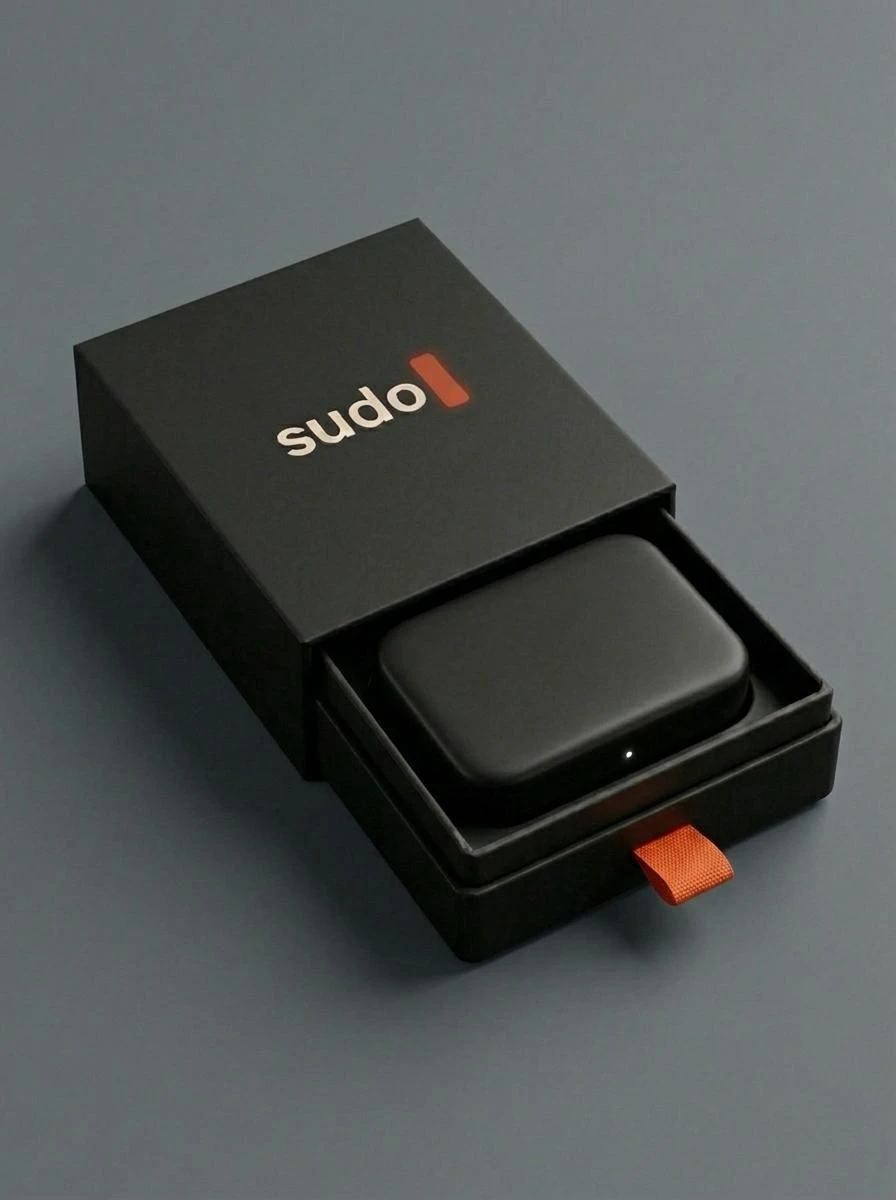
sudo is a small machine that plugs into the wall and becomes an agent that's actually yours — not a login, not a subscription, not somebody else's server.
how we got here
OpenClaw and Hermes proved you could run an AI on hardware you owned. The catch: a server, a config file, a free weekend. Ownership existed — almost nobody could reach it.
The Muses, the Groks, the assistant in every app. Setup became a sign-up form — but your memory and personality live on their servers, on their terms.
The same assistant drafting your replies is starting to read your invoices, your health data, move your money. The question isn't which AI is smartest — it's whose infrastructure your life runs on. And it should be yours.
Until now you had to pick one.
the actual decision
Most AI assistants keep your agent's memory and personality on their servers. If you ever leave, they don't come with you.
sudo keeps them on a box you hold — and still lets you plug in the best cloud models.
Your AI. Your Rules.
the ai race never stops
Chasing the leader by hand means re-teaching a whole new assistant, over and over. Sudo just swaps the engine — the memory stays put.
everyone else every new leader, you start over
on sudo use whichever is best — or cheapest — this month
meet sudo
Plug it into power. Leave it on a shelf. That's the entire installation.
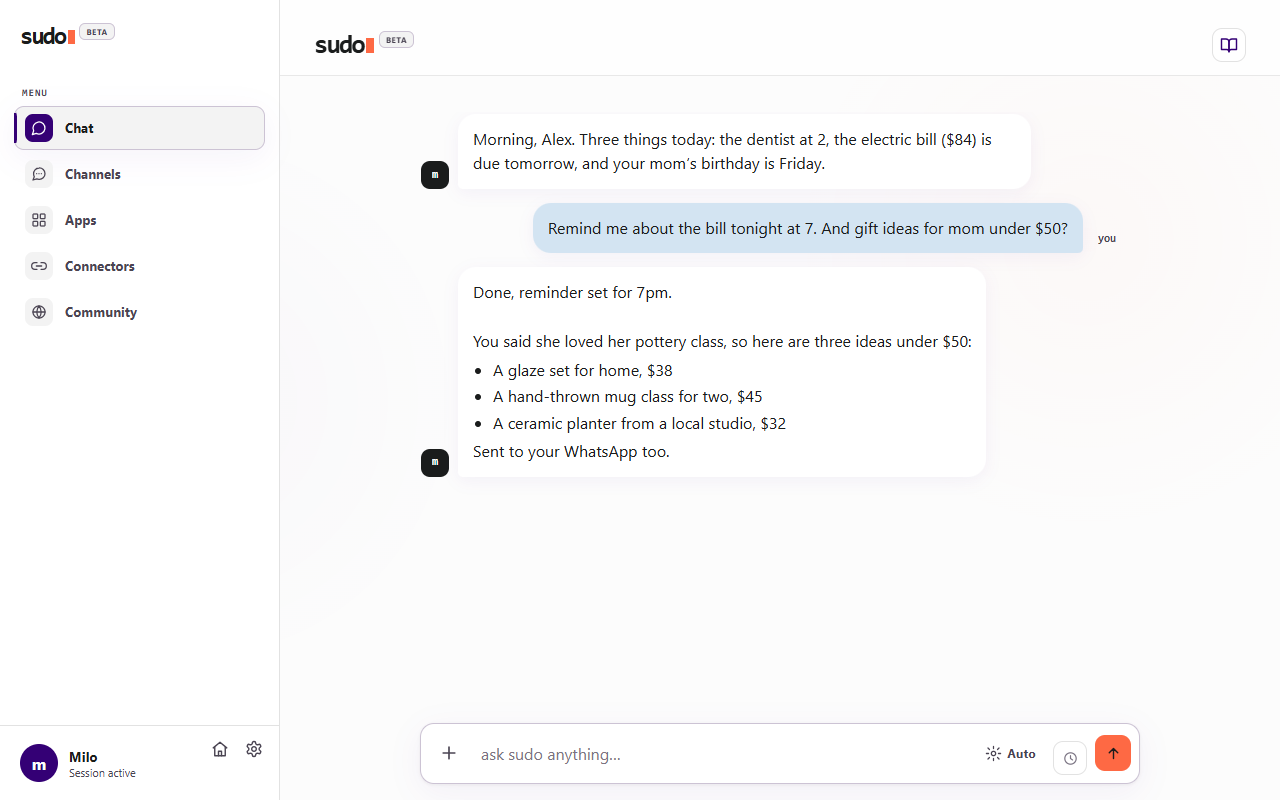
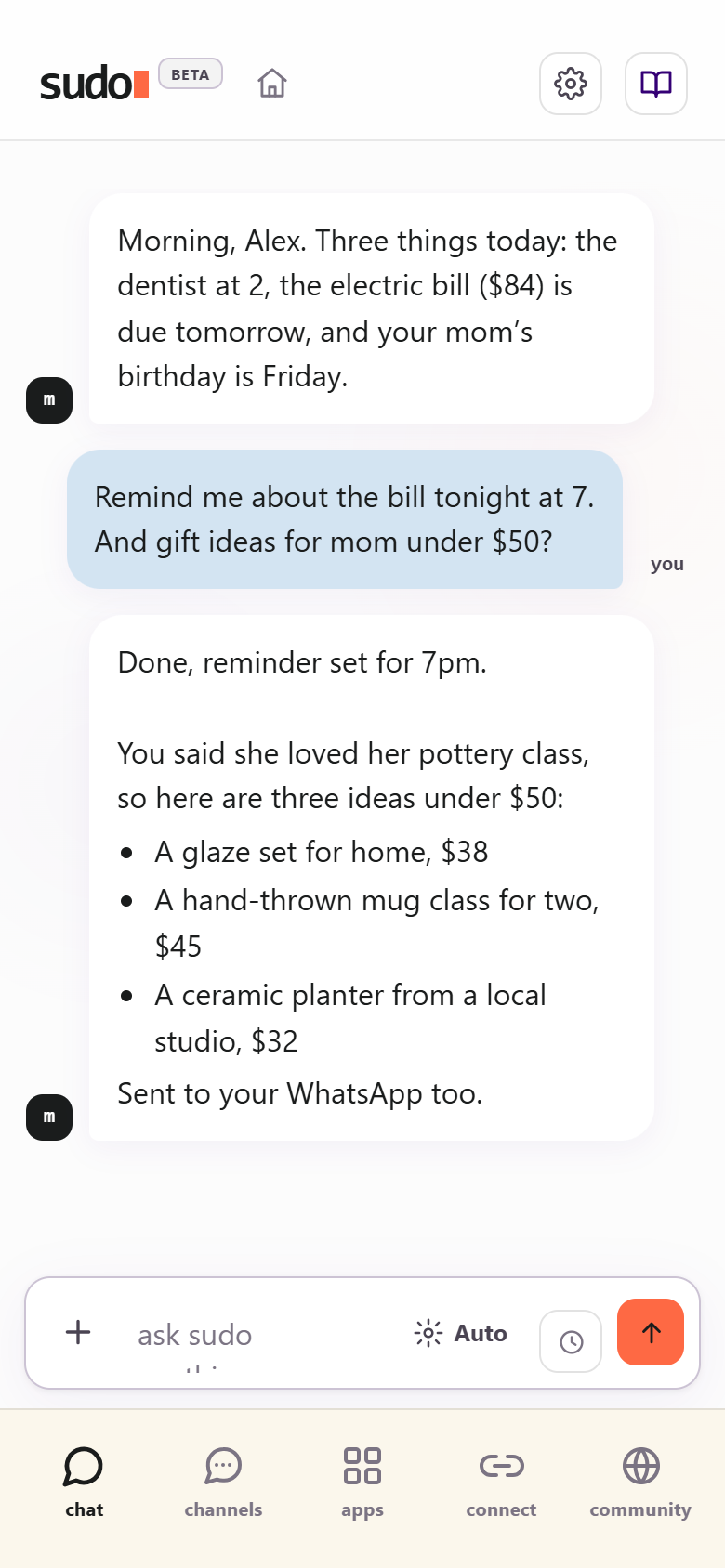
It ships with a model running on the device — free, private, and great for everyday chatting. For real work, connect a cloud model: paste your own API key (Claude, GPT, DeepSeek, whichever) and pay the provider directly. We take no cut.
Claude, GPT, DeepSeek — whichever is sharpest or cheapest today. Same context, same personality, every time. Routed automatically, or fixed by hand.
No markup, no seat, no tier, no "upgrade to keep your own history." Your key goes straight to the provider you chose, and you pay them what they charge.
Sync your agent's memory to GitHub, Drive, wherever you already keep things that matter. It's a folder on a machine you hold, not a walled garden.
Outgrow the hardware, carry the agent to the next box. You upgrade the machine — never the relationship you've built.
setting it up
No screen on the box, no cable to your router, no terminal. Just your phone and your home Wi-Fi.
Connect it to power and give it a minute to wake up. That's the only cable.
Open your phone's Wi-Fi settings and tap RaspiSetup. It's an open network, no password. Your phone may warn about no internet; that's expected.
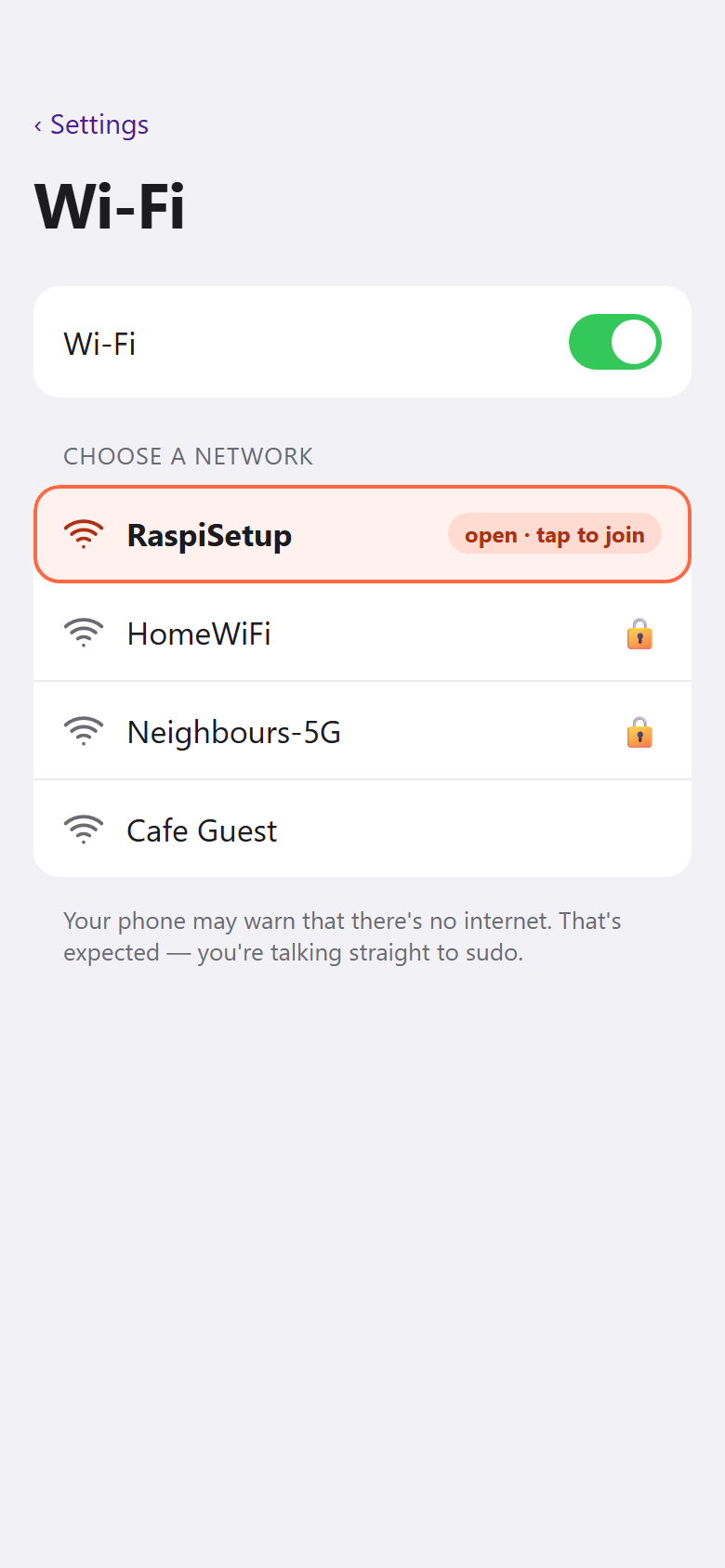
illustration — yours will look like your phone's own settings
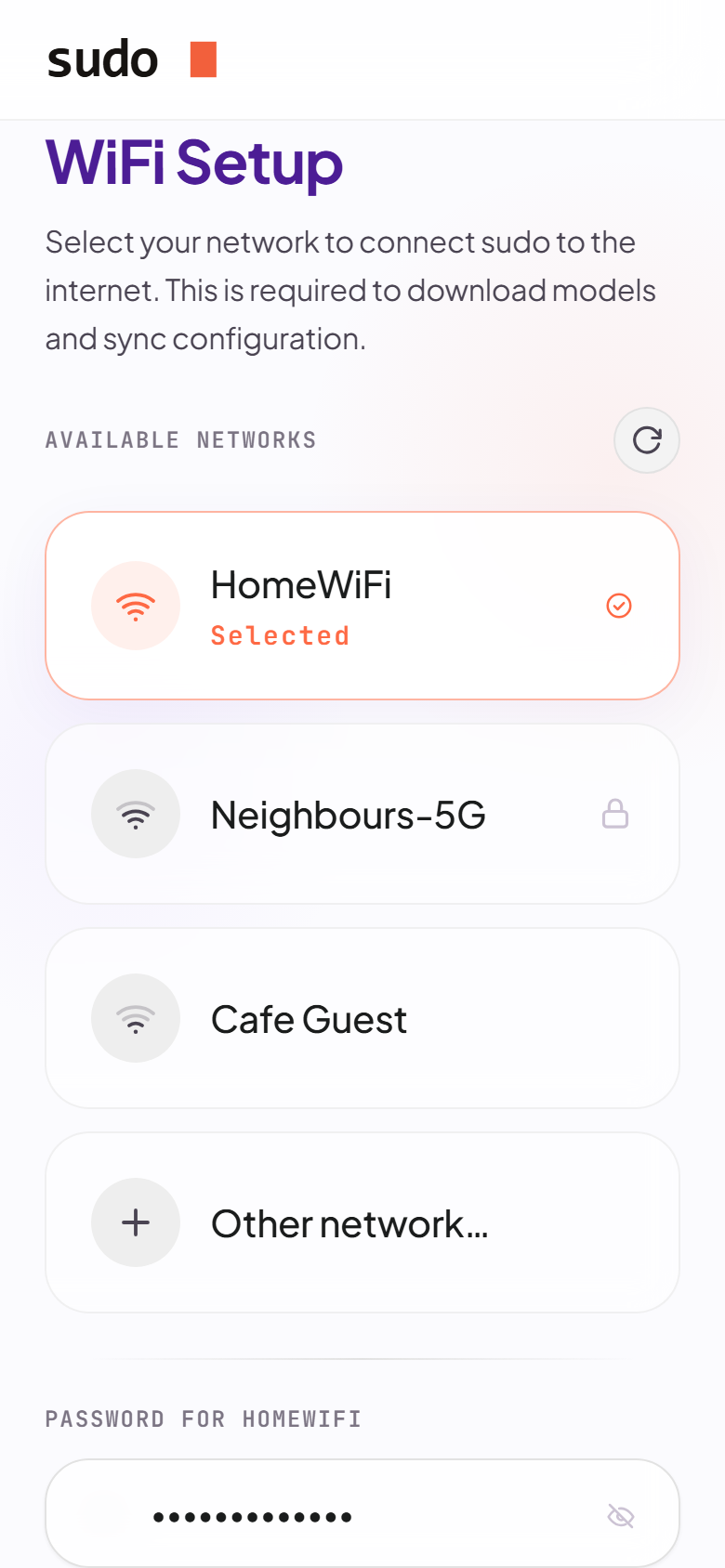
A setup page opens on its own. Pick your home network and type its password. That's all sudo needs from you to get online.
Copy it or screenshot it, then tap Done. sudo leaves its own network and joins yours. Switch your phone back to home Wi-Fi and give it about a minute.
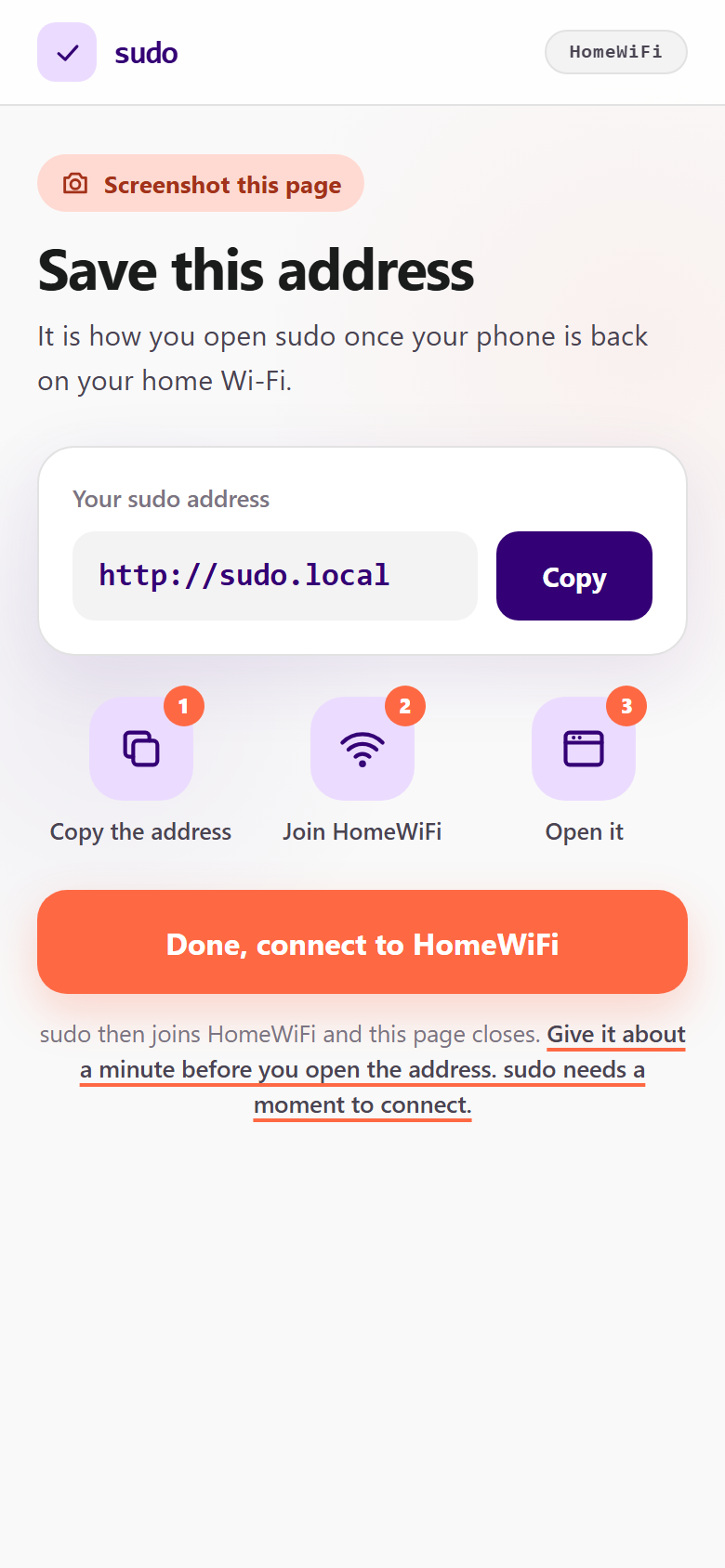
Open the address in your browser. Tell sudo what to call you, and what you'll call it.
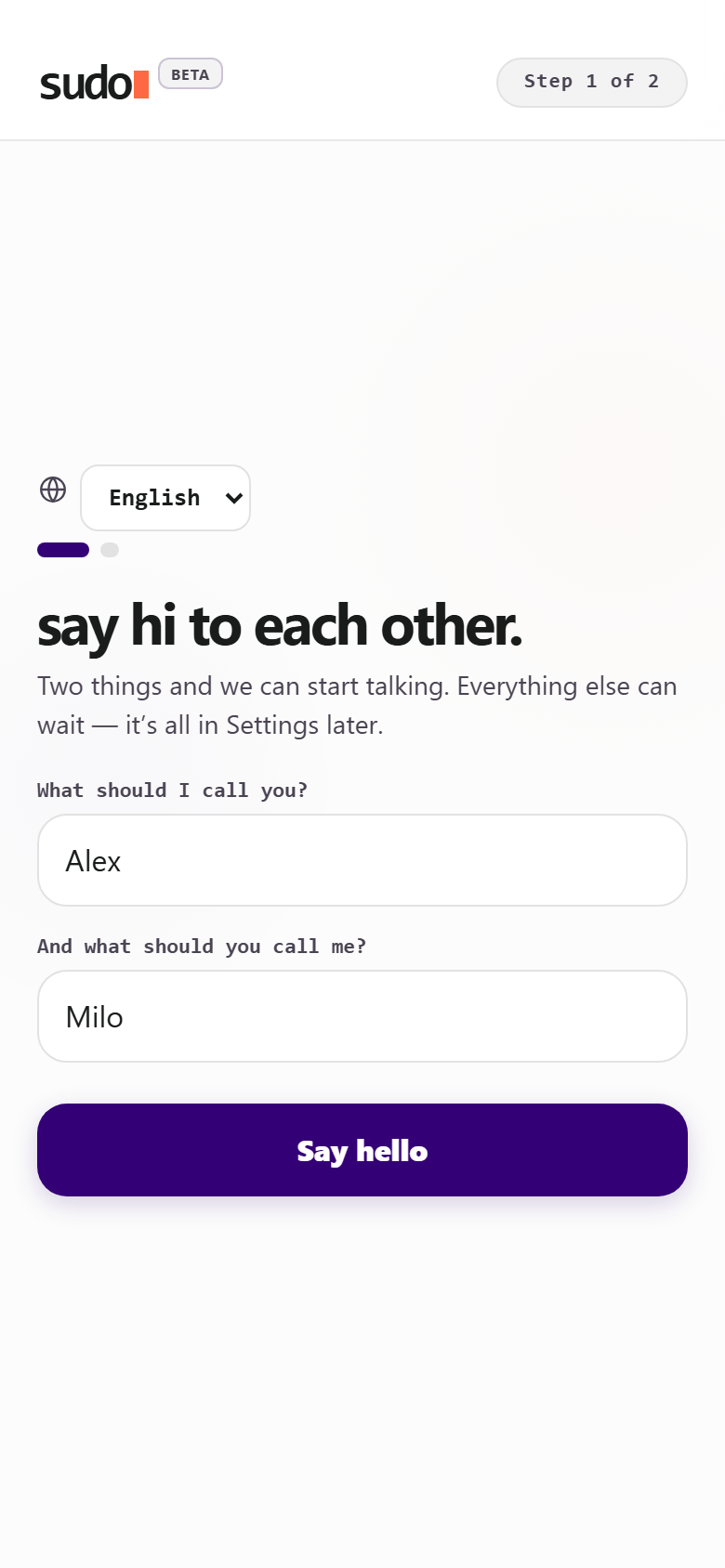
That's your dashboard: chat, channels, apps and settings, on your phone or your computer. Add it to your home screen and it's one tap away.
your little tools
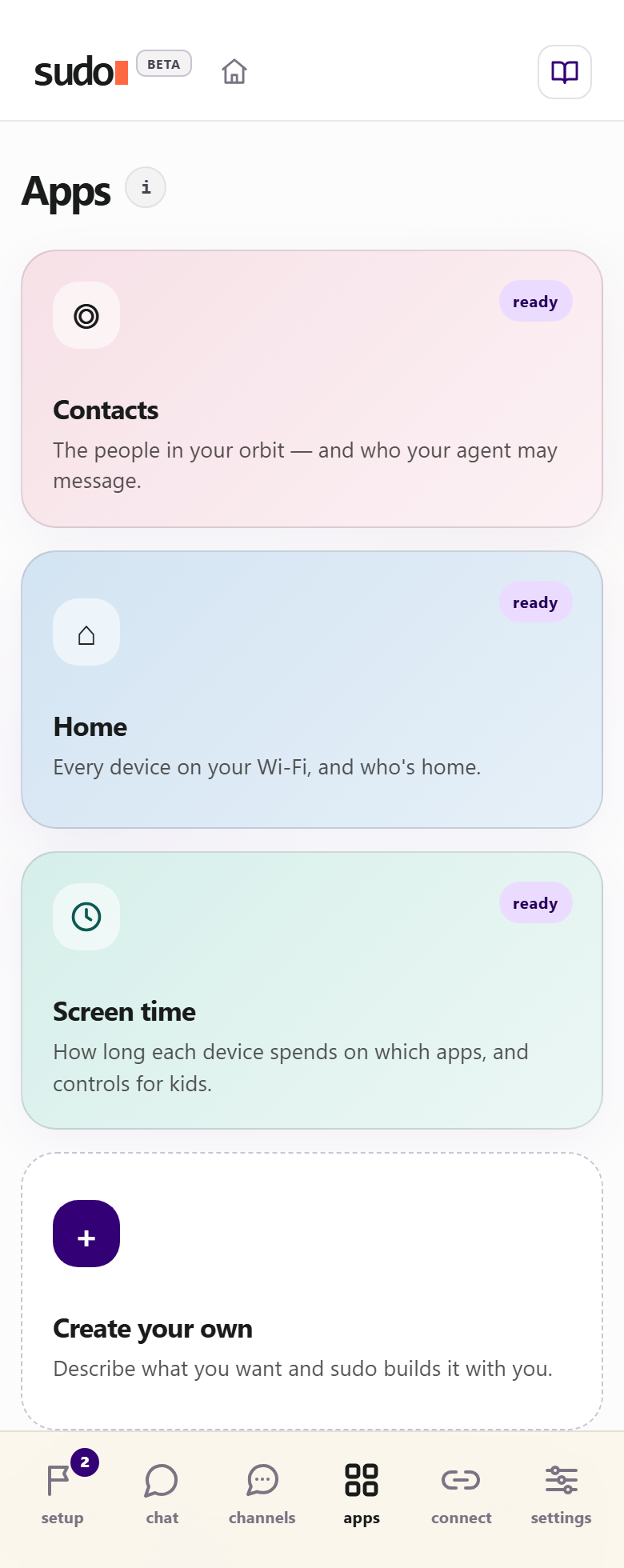
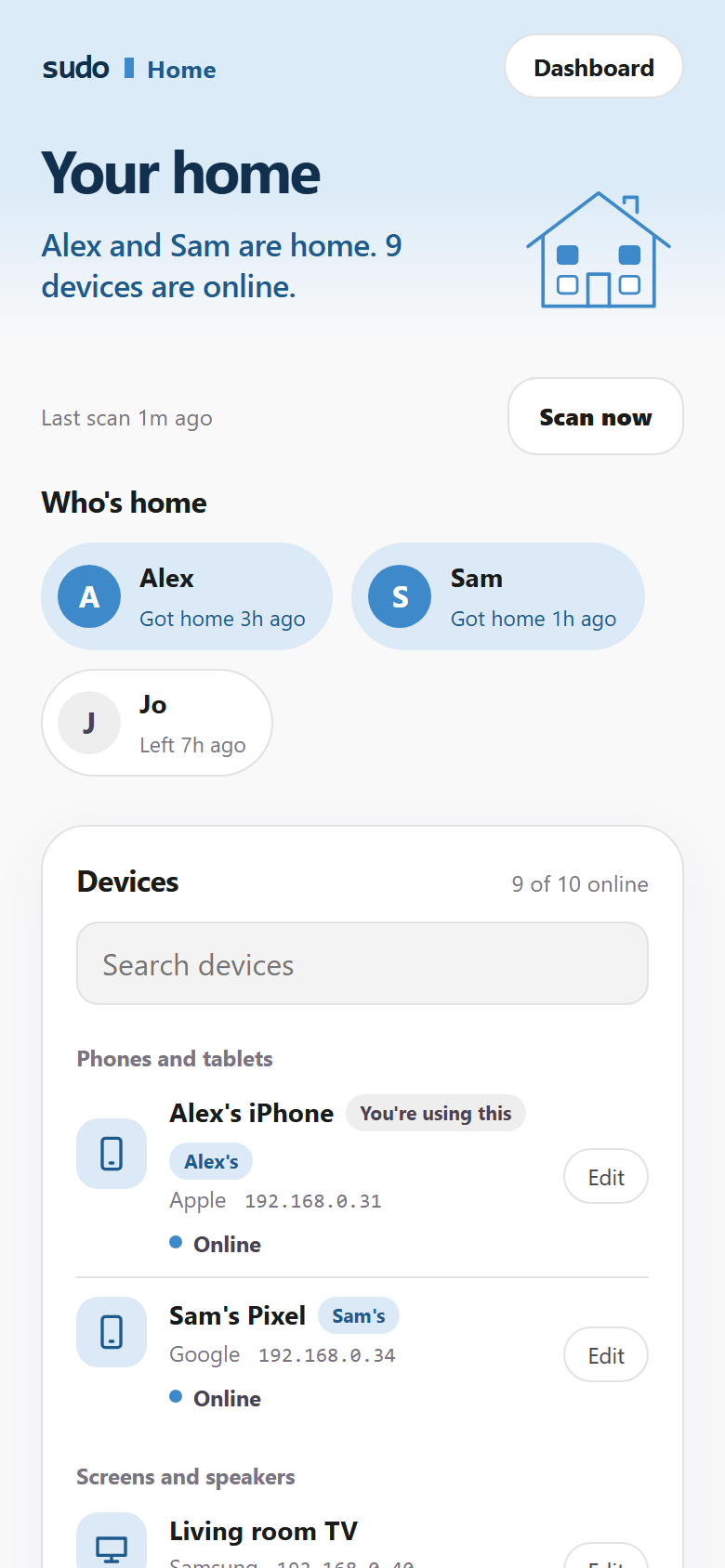
sudo runs focused little apps on the box: who's home, what the screens in your house are doing, the people you talk to. Every one of them stores its data in your home, not in someone else's cloud.
The people in your orbit — and who your agent may message.
Every device on your Wi-Fi, and who's home. Name them, assign them to people, get a heads-up when something new joins.
How long each device spends on which apps, and controls for kids.
Describe what you want and sudo builds it with you.
It's your machine, so if the app you want doesn't exist, ask for it: describe a space and sudo builds it with you — or open the box and write one yourself.
Letting sudo change its own dashboard is a switch you turn on in Settings; it's off by default.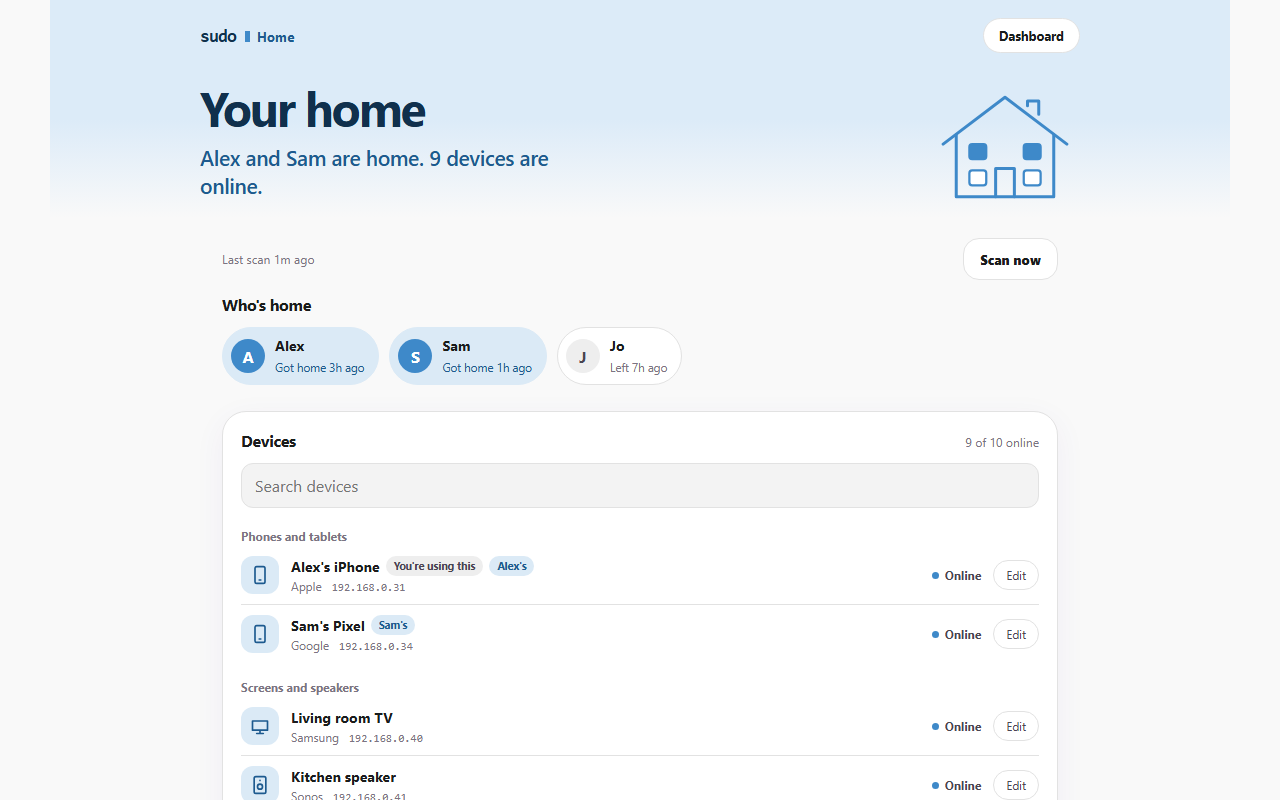
questions
No. Plug it in, join its Wi-Fi from your phone, point it at your home network, and start talking to it. No terminal, no config files.
On the box in your home: your memory, your files, your agent's personality. If you choose a cloud model, the messages you send to it go to that provider, exactly like using their app — but your history stays with you, and you decide when it leaves.
Everyday chatting: it runs on the box, free and private, and works with no internet at all. For real work — research, writing, code, heavy analysis — connect a cloud model. Paste your own API key from Claude, GPT, DeepSeek or another provider and sudo sends the hard stuff there.
No. You paste your own key and pay the provider directly, at their price. sudo takes no cut and adds no markup, and there's no subscription on top.
A small computer built on a Raspberry Pi. The beta runs on a Pi you buy yourself; the pre-order version is the same thing ready to plug in, nothing to assemble.
Pre-orders aren't open yet. Join the waitlist and you'll hear first, and nothing is charged until they open. Want it sooner? Apply to be a beta tester and we'll send you the source code to run on your own Pi.
get sudo
Two ways in: join the pre-order waitlist for the ready-to-plug-in box, or apply to test it early on your own Raspberry Pi.
$219one-time · no subscription
The ready-to-plug-in box. Join the waitlist and we'll email you the moment pre-orders open.
Want to try sudo before it ships? Apply and we'll email you where to buy a Raspberry Pi, then send you the source code to run on it.
No spam, no list-selling, ever.